🔥 The Image Creation Hack “They’ll Never Tell You” (But I Will)
Steal the aesthetic, not the image — automate the style.
Everyone keeps quiet about this because it completely removes the need for expensive prompt engineering. So let me leak the whole system.
If you’ve ever wondered how creators pump out those hyper-aesthetic, perfectly-styled portrait images… this is exactly how they do it.
✅ Step 1: Go to Pinterest
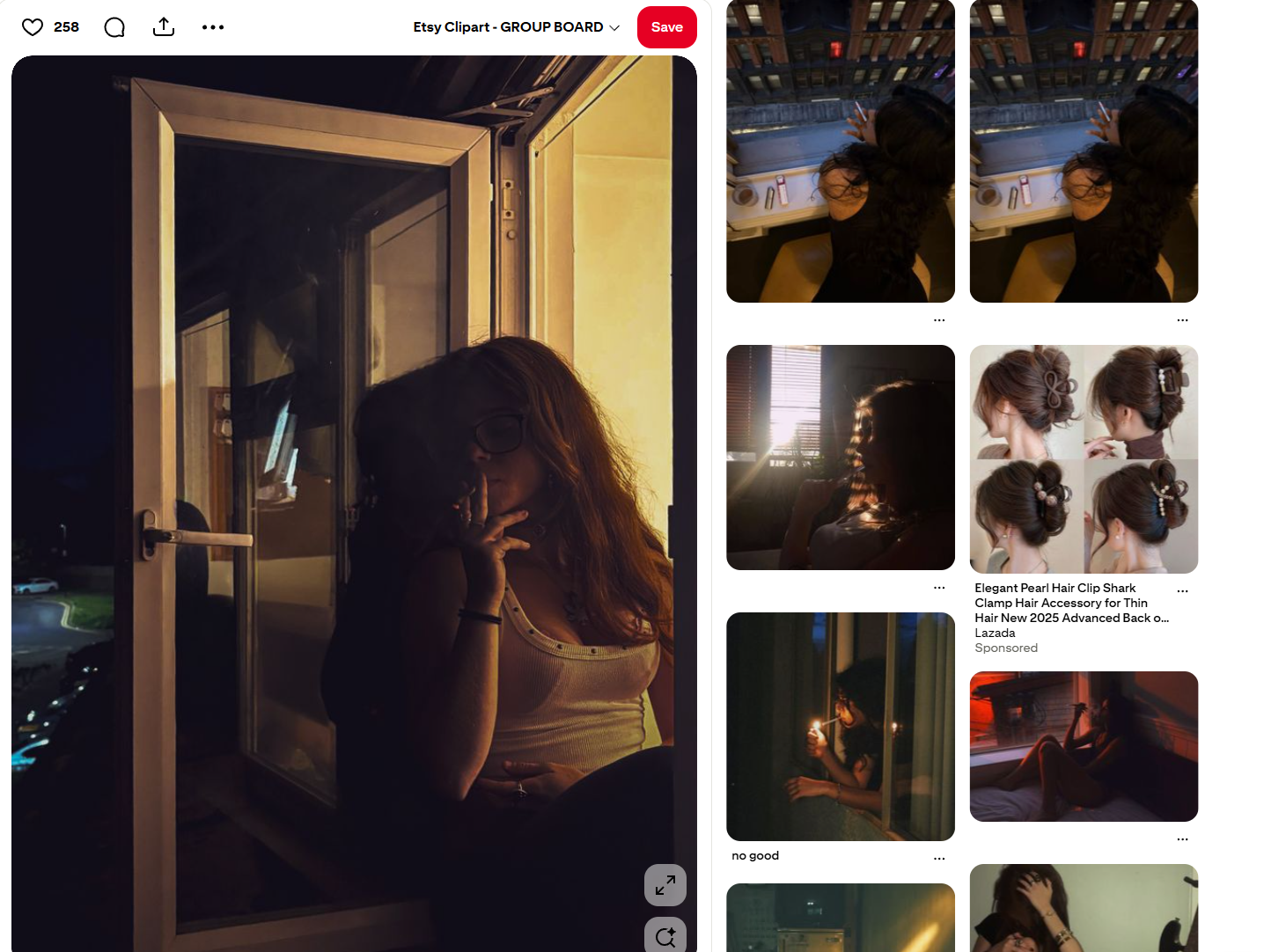
Search for the style, pose, vibe, or aesthetic you want. Pick one beautiful photo that matches the look you’re aiming for.
This is your “template image.”
✅ Step 2: Upload it into Gemini
Open Gemini → start a new chat → upload the Pinterest image.
Ask Gemini:
“Capture the visual style, pose, lighting, colors, and composition in a JSON prompt.”
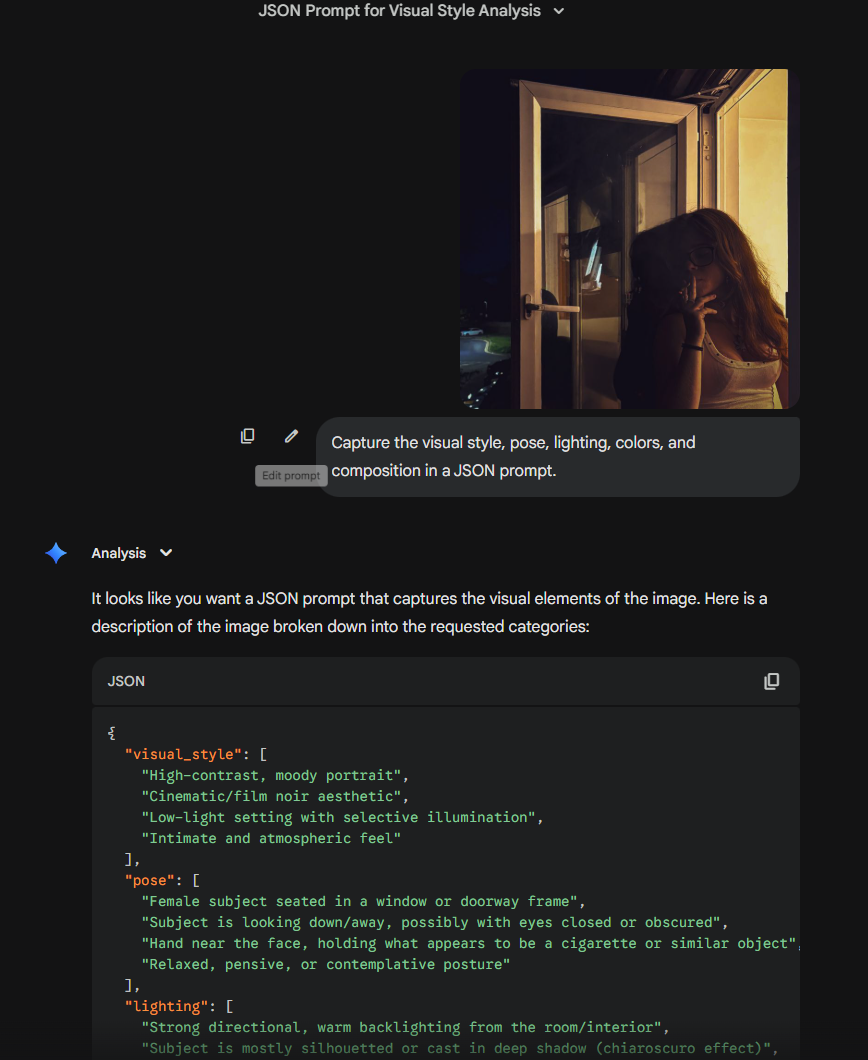
Gemini will break down the entire visual language in clean JSON format.
✅ Step 3: Copy the JSON Prompt
This is the secret sauce. It’s basically a reusable style blueprint of the image.
✅ Step 4: Open a fresh Gemini chat (or Google Flow)
This keeps the generation clean with no previous context.
✅ Step 5: Use NB Pro for Image Generation
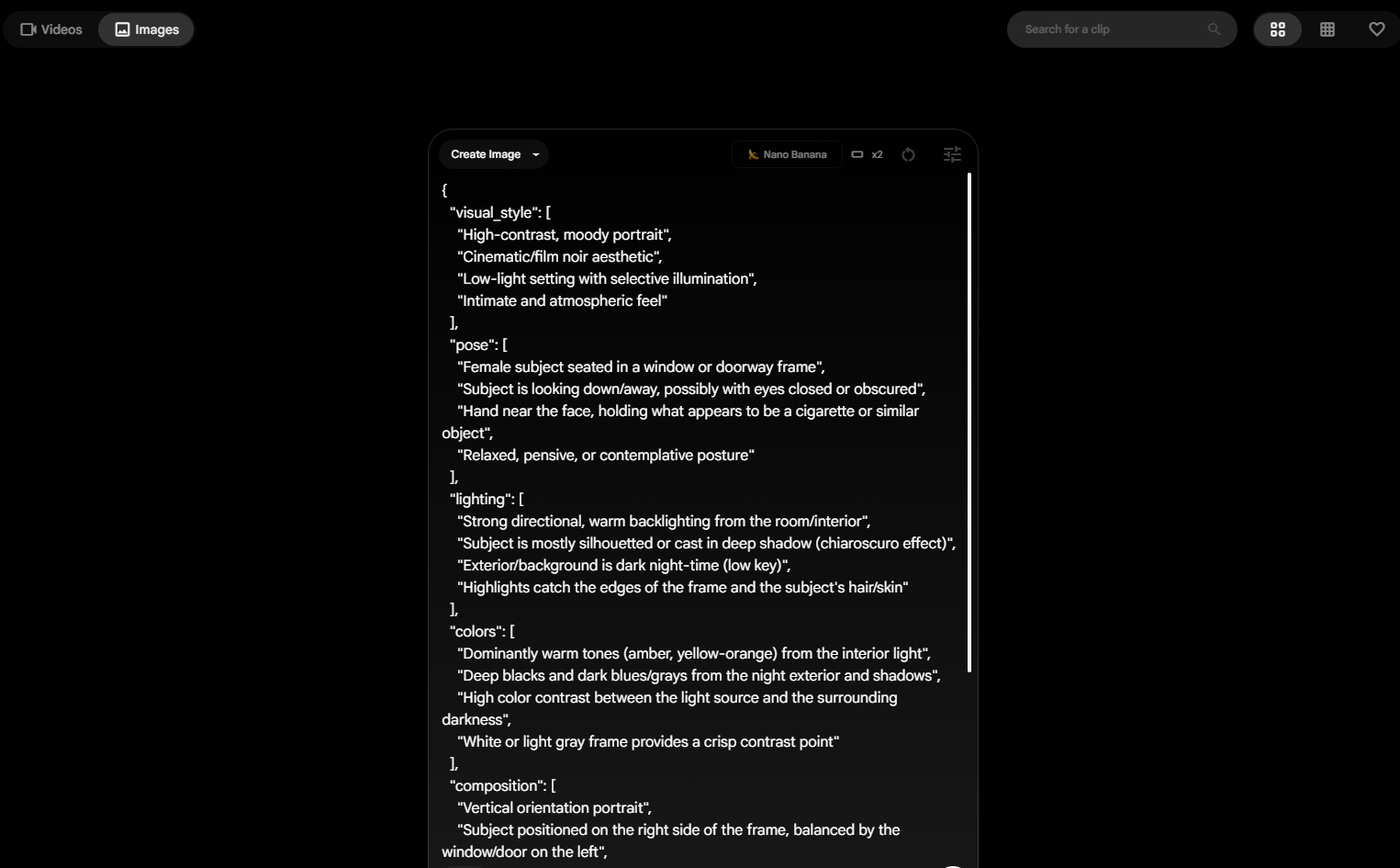
Paste the JSON prompt into NB Pro inside Google Flow or Gemini Advanced.
Hit generate. Watch it create a new, original image that matches the vibe, style, and aesthetic — without copying the original.
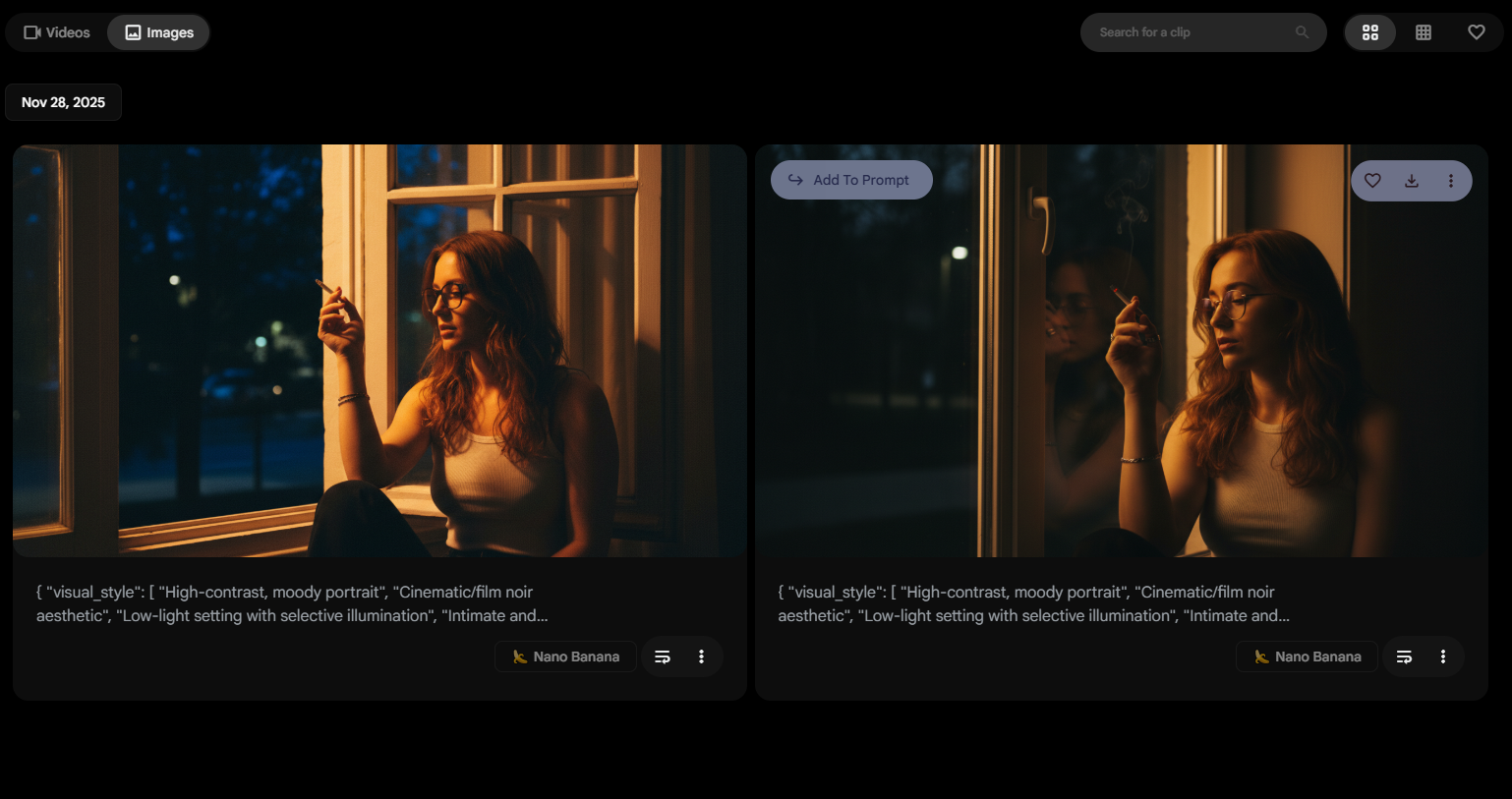
🚀 Why this works
Because Pinterest gives you inspiration, Gemini gives you structure, NB Pro gives you output.
Three tools → one unfair advantage.